Simple Invoice with Automatic Numbering
Excel template for a simple invoice with automatic numbering
$10
Business documents
Premium invoice with automatic email delivery to the customer
The template interface is in Spanish; an English quick-start guide is included.
The Invoice with Email Delivery to the Customer is built with macros in standard VBA code, which allows it to work in almost every version of Microsoft Excel.
The Invoice with Email Delivery to the Customer template has been tested in Microsoft Excel 2013, 2016, 2019 and 365.

For modifications, see the following link: https://www.edwinortiz.net/producto/soporte-plus-para-las-plantillas-de-excel/
It is a simple template that can:
The Invoice with Email Delivery to the Customer also lets you start invoicing from the number you choose and set up the payment types your business accepts.
Another important feature is that it can stop invoicing once you reach the limit of invoice numbers approved by the regulatory authority, and let you continue once the new approval has been obtained.
This feature is optional: if you prefer to keep invoicing without limits, you can do that too.
You don't have to worry about sending invoices to your customers: every time an invoice is generated, it is sent automatically and in real time, and it is also saved as a PDF so you can retrieve it later.
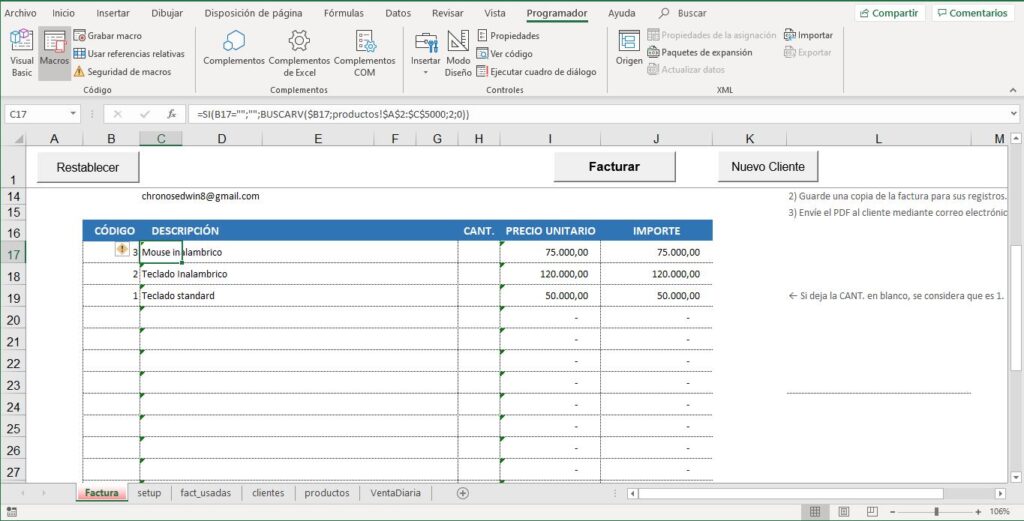
The Invoice with Email Delivery to the Customer includes a customer and product search, which makes invoicing easier at the point of sale.
You can customize all the content and information in the invoice related to invoice numbering and customer details, and you can also change the colors and fonts, along with many other customizable fields such as your company details and others described in the features.
All you really need is Microsoft Excel 2013 or later with macros allowed to run, and Outlook installed and set up on your computer. After that, you can use the template like any other Excel file: you can copy it to any device to move it to another computer, or back it up to the cloud if you wish.

On this site, payment is made in US dollars (USD) through PayPal.
If you have any questions before buying, you can contact me here (whatsapp.edwinortiz.net).
After your purchase, you receive a download link by email that is valid for 30 days and allows up to 5 downloads.
Basic version of this product here (Simple Invoice with Automatic Numbering)
Once your payment is approved, you receive an email with the download link. You can also find it on the order page and in My account.
Write to me with a screenshot of the error and I'll help you set it up. If we can't get it working on your computer, the refund policy applies.
Yes, you can adapt it to your work. What is not allowed is reselling or distributing it.
Excel template for a simple invoice with automatic numbering
$10
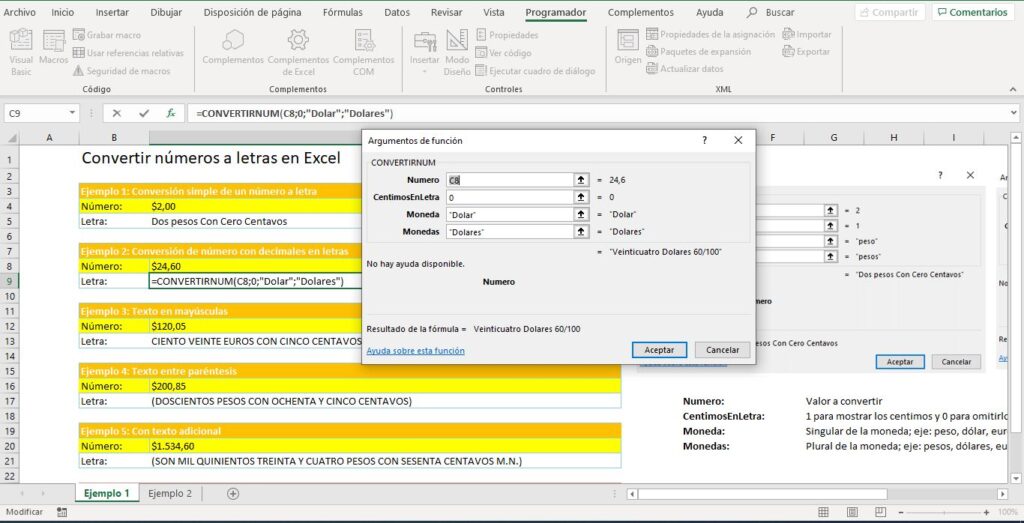
Converting numbers to words (Convertidor de números a letras) is something many people need, yet Excel still…
$10